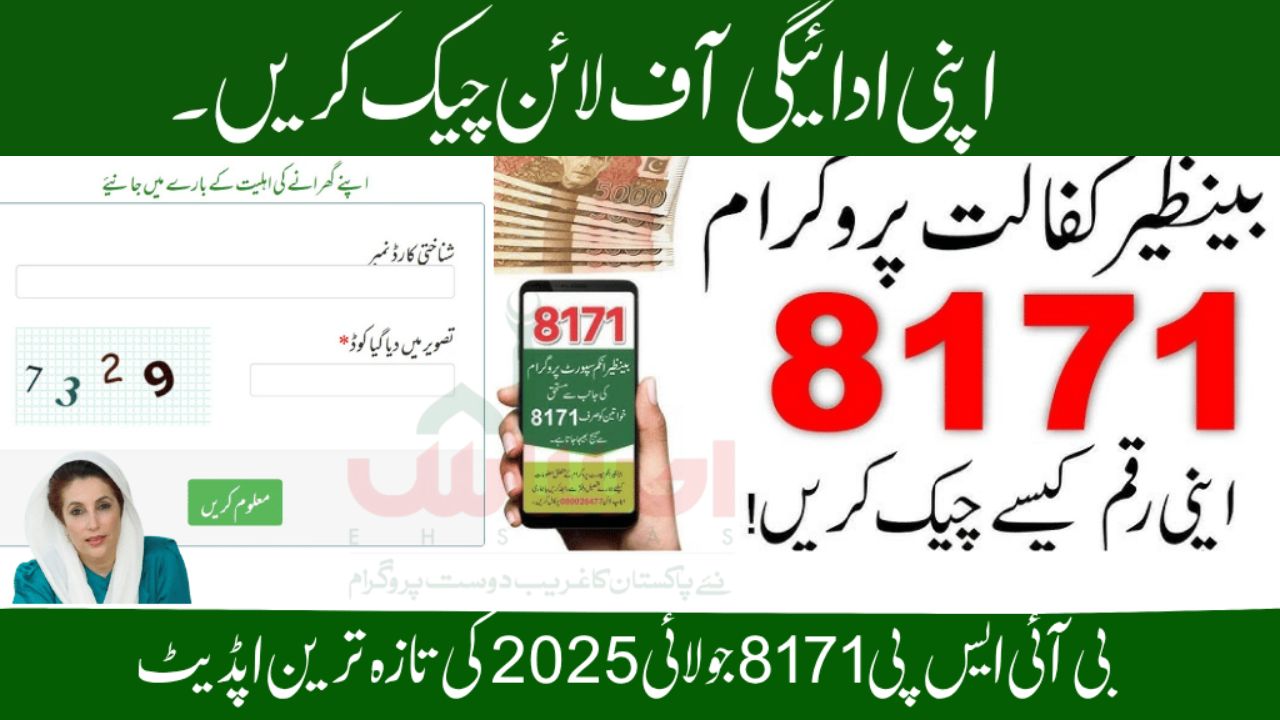
If you or someone in your household is registered with the Benazir Income Support Programme (BISP) and expecting the Rs. 13,500 Kafalat payment in July–August 2025, it’s important to check your payment status before visiting a collection point.
The best part? You don’t need the internet to check.
In this guide, we’ll show you three official offline methods to confirm your 8171 payment status — perfect for those without smartphones or a stable internet connection.
Why Check Your Status First?
Many people waste time and money visiting payment centers only to discover their amount isn’t ready. Checking your status first can:
-
Save trips – Avoid traveling miles for nothing.
-
Prevent biometric issues – If your status says “Under Verification,” going early won’t help.
-
Reduce fraud risk – You get accurate info directly from official sources.
-
Cut expenses – Save on transport and time.
In July 2025, thousands will receive Rs. 13,500 under the BISP 8171 Kafalat Scheme, but not everyone is included in this cycle. Here’s how to confirm if your payment is ready.
Method 1 – SMS CNIC Check (8171)
This is the fastest and most common offline method.
Steps:
-
Open your SMS app.
-
Type your 13-digit CNIC number (without dashes).
-
Send it to 8171.
-
Wait 5–10 minutes for a reply.
Important:
-
Use a SIM registered in your own name.
-
Keep a good mobile signal for quick delivery.
-
SMS to 8171 is usually free.
Method 2 – Visit a BISP Tehsil Office
Recommended if:
-
You haven’t received a payment SMS.
-
Your CNIC shows “Under Verification.”
-
You need to update NSER survey or personal details.
What to Do:
-
Take your original CNIC (no photocopies).
-
Visit the nearest BISP Tehsil Office (not a local agent).
-
Request a status check on your CNIC.
You can also:
-
Update NSER family details.
-
Add your children’s B-Form (for Taleemi Wazaif).
-
Correct address/income info.
-
Submit biometric complaints for fingerprint mismatches.
Method 3 – BISP Campsites or HBL Konnect Retailers
During payment cycles, official campsites and HBL Konnect agents can check your status.
At Campsites:
-
Show your CNIC at the desk.
-
Staff will check your record on their tablet.
-
You’ll be told if your payment is ready.
At HBL Konnect Agents:
-
Bring your original CNIC.
-
They’ll check your status on their POS device.
-
If ready, you’ll complete biometric verification and collect cash.
What Your Status Means
| Status | Meaning |
|---|---|
| Payment Ready | You’re eligible — collect Rs. 13,500. |
| Under Verification | CNIC/NSER review in progress — check again later. |
| Not Eligible | Not included this cycle — verify your details. |
| No Record Found | CNIC not registered — visit BISP office. |
| Payment Sent | Amount issued — collect from the nearest point. |
| Fingerprint Mismatch | Biometric failed — re-verify at BISP office. |